Installation
This guide covers everything needed to install Advanced Order Export for WooCommerce and get it running on a WordPress site. The plugin works with both the free version from the official WordPress repository and the Pro version purchased from Algol Plus. The installation process is straightforward, and this section walks through each method step by step.
System Requirements
Before installing, ensure the website meets the following minimum requirements. The plugin is compatible with most standard WordPress hosting environments, but meeting these specifications guarantees smooth operation.
| Requirement | Minimum Version | Notes |
|---|---|---|
| WordPress | 4.7.x or higher | Latest version recommended |
| WooCommerce | 3.x or higher | The plugin requires WooCommerce to function |
| PHP | 8.1 or higher | Required for Excel (XLS) file generation; PHP 8.1+ ensures full feature compatibility |
| MySQL | 5.6 or higher | Standard WordPress database requirement |
| PHP Memory Limit | 256M or higher | Recommended for large exports (30000+ orders) |
PHP version note: While the plugin may work with PHP 7.x, the Excel export functionality requires PHP 8.1 or higher to generate XLS files correctly. For stores that rely on Excel exports, ensure the server is running PHP 8.1 or newer.
The plugin page on WordPress.org also provides the following information: *”Requires: – PHP 5.6 or higher – WordPress 4.7.x or higher – WooCommerce 3.x or higher for latest release”*.
Downloading the Plugin
Free Version (from WordPress.org)
The free version is available directly from the official WordPress plugin repository. It allows exporting orders in CSV, XML, and PDF formats, and includes basic filtering and field selection capabilities. Key features of the free version include:
- Selection of fields to export
- Renaming labels and reordering columns
- Export of custom fields or terms for products and orders
- Grouping data by products or customers
- Export orders via bulk action from the orders list
- Application of basic filters
Pro Version (from Algol Plus)
The Pro version adds advanced automation capabilities and additional export formats. It can be purchased from the Algol Plus website. After completing the purchase, the customer receives an email containing:
- The plugin archive (ZIP file)
- The activation license key
Important: If the free version is installed, it should be deactivated and deleted before installing the Pro version. The settings will not be lost during this process.
Installation Methods
Two methods are available for installing the plugin: automatic installation (recommended for most users) and manual installation.
Method 1: Automatic Installation (WordPress Admin)
This is the simplest method, particularly suitable for the free version.
- Log into the WordPress administrative dashboard.
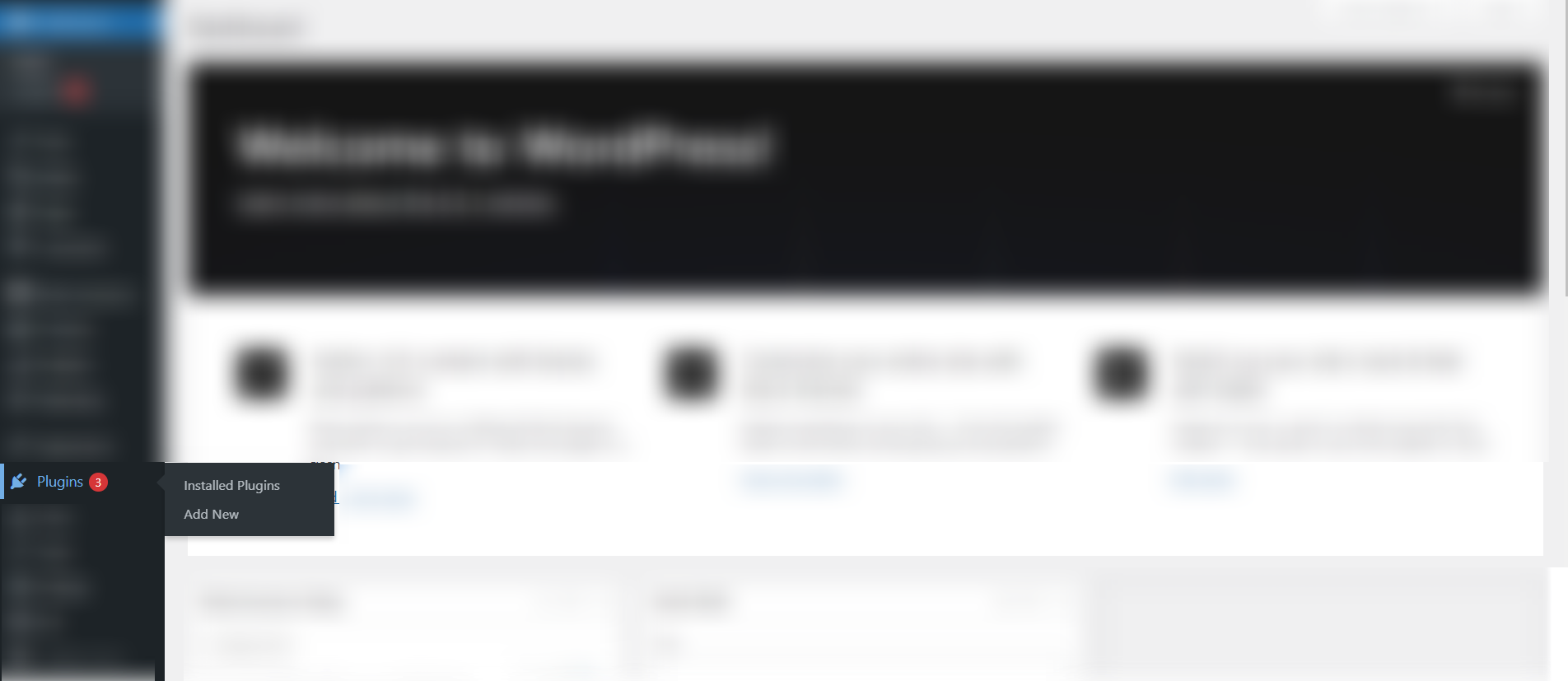
- Navigate to Plugins → Add New.
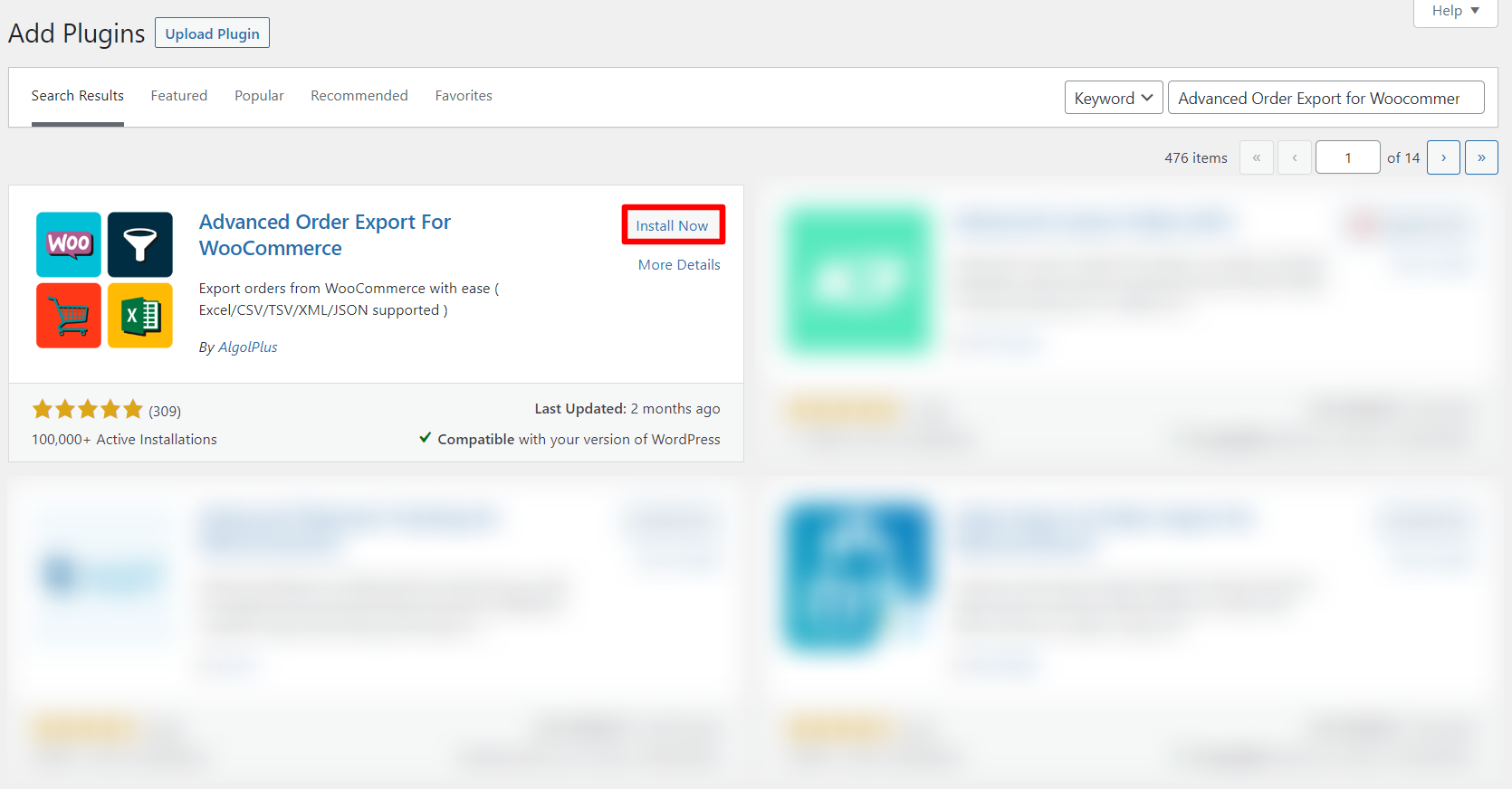
- In the search field, type
Advanced Order Export for Woocommerceand press Enter. - Locate the plugin in the search results and click Install Now.
- Wait a few seconds for the installation to complete.
- Click Activate.
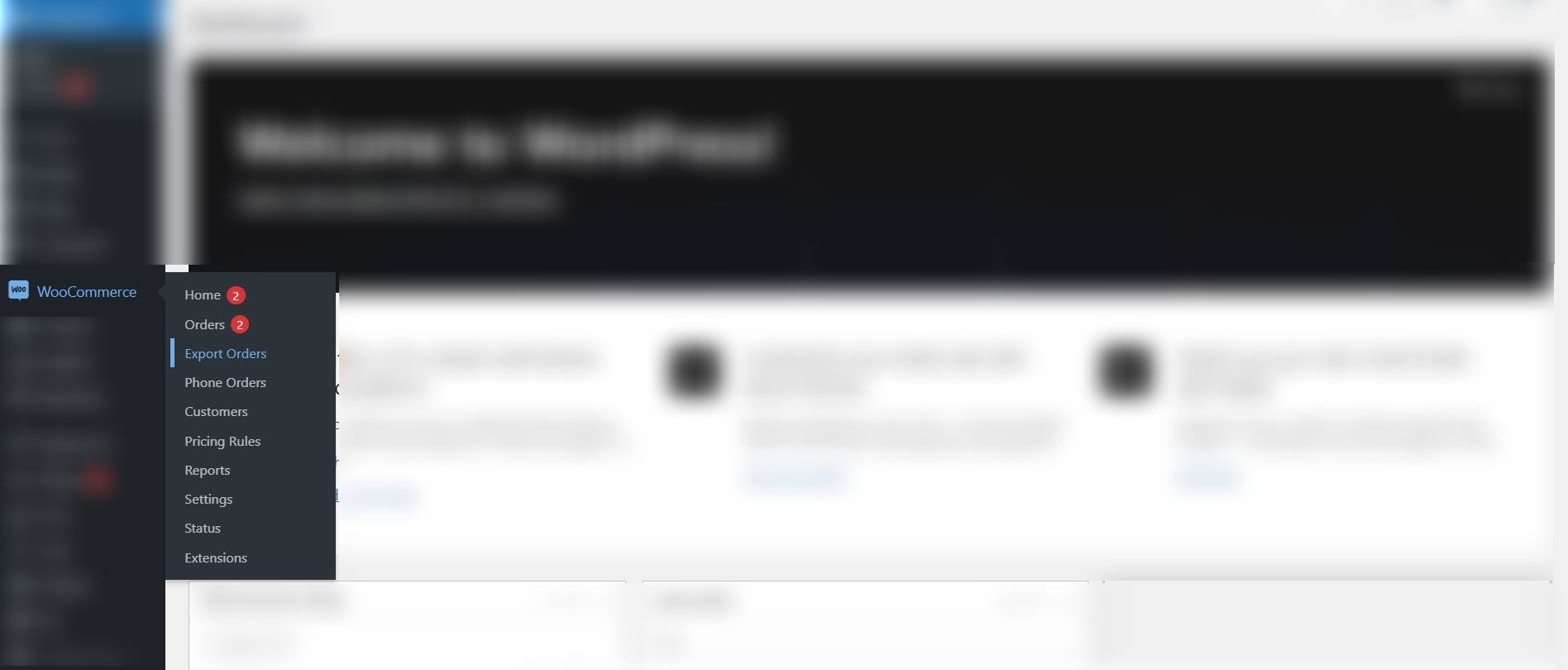
- After activation, find the plugin under the WooCommerce tab in the WordPress admin sidebar.
Method 2: Manual Upload Installation (for Pro Version)
The Pro version is distributed as a ZIP file, which must be uploaded manually. This method is also suitable for the free version if the automatic method is unavailable.
1: Download the plugin ZIP file from the purchase email or from the WordPress.org repository.
2: Log into the WordPress dashboard.
3: Navigate to Plugins → Add New.
4: Click the Upload Plugin button at the top of the page.

5: Click Choose File, select the downloaded ZIP file, and click Install Now.
6: After the plugin is uploaded, click Activate Plugin.
7: Find the plugin under the WooCommerce tab.
Upgrading from Free to Pro
If the free version is already installed and configured, follow these steps to upgrade to the Pro version without losing settings.
- Deactivate the free version (do not delete it yet, as this would remove settings)
- Install the Pro version using the manual upload method described above
- Activate the Pro version
- Delete the free version (settings are preserved during this operation)
Licensing (Pro Version Only)
Pro version requires activation with a license key to unlock all features and receive updates.
- Navigate to WooCommerce → Export Orders in the WordPress dashboard.
- Switch to the License tab.
- Enter the license key received in the purchase email.
- Click the Activate button.
After successful activation, the plugin will be fully unlocked and eligible for automatic updates.
Updating the Plugin
Free Version
When a new version is available, a notification appears in the WordPress admin under Plugins → Installed Plugins. Click Update Now to install the latest version. Keeping the plugin updated is strongly recommended to ensure compatibility with the latest versions of WordPress and WooCommerce and to receive security patches and new features.
Pro Version
Pro version updates are handled through the standard WordPress update mechanism. After the license key is activated, update notifications appear in the admin dashboard. Click Update Now when available to install the latest version.