Type of Rules
There are 3 types of rules in ADP plugin:
- common;
- product only;
- exclusive (pro version only).
Common rule type fits to almost any situation. You can create a rule of any complexity using all available conditions and filters.
The exclusive rule type has the same functionality as the common rule type, but has higher priority than the common rule.
Product only type has limited functionality. Create easy rules with the highest priority.
As you can see, the main difference between rule’s types is priority level. What does it mean?
The rule with the highest priority executes first. For example, there are 3 rules: 1 Product only rule, 1 Exclusive and 1 Common rule for the same products, but with different discounts. Product only rule has applied first, and the products have got a discount from this rule and excluded common and exclusive rules discount.
Look at the screenshots below:

There are 3 rules with the product “Belt”:
- 30 % discount on “Belt”—Product only type

- 50% discount on “Belt” and “Cap”—Exclusive type
- 40% discount on “Belt” and “Sunglasses”—Common type.


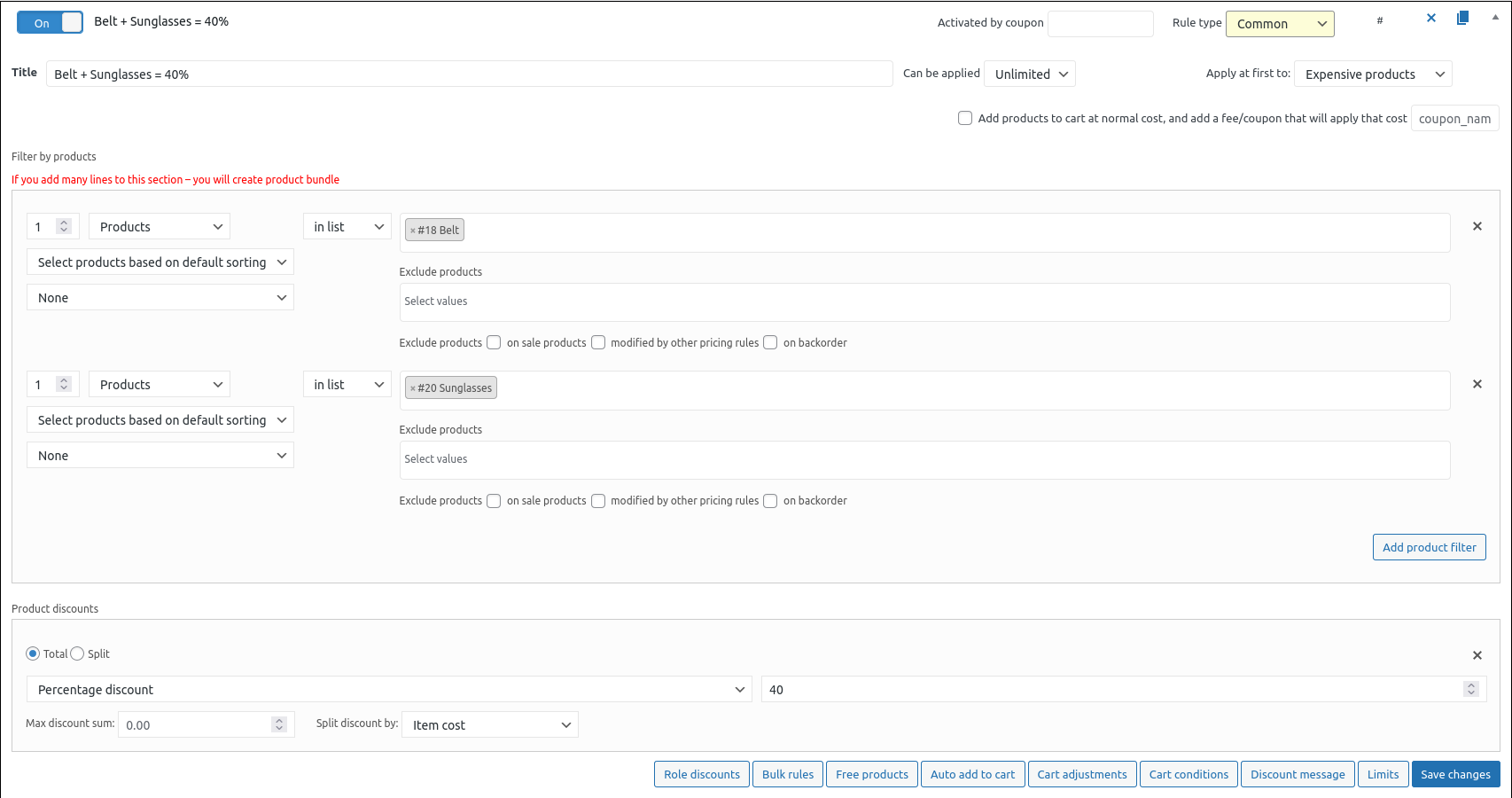
Look at the cart.
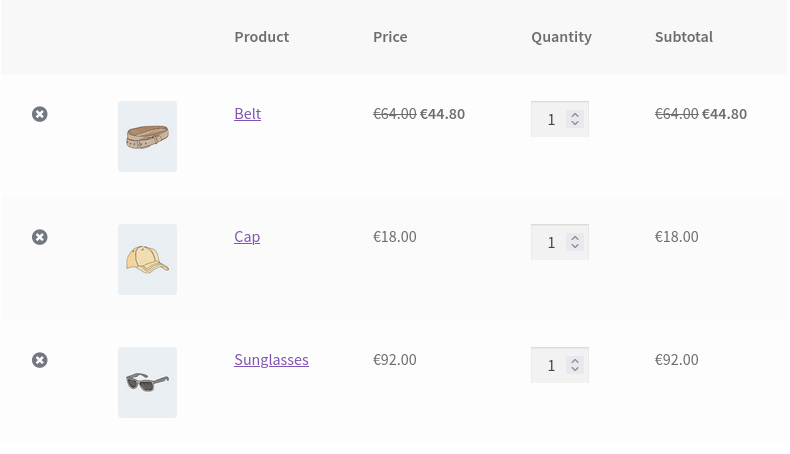
The “Belt” has only a 30% discount because other rules with that product have lower priority and haven’t been executed.
That’s a first look to the types of rules in ADP plugin.