Product Set
Create a discount for a set of products.
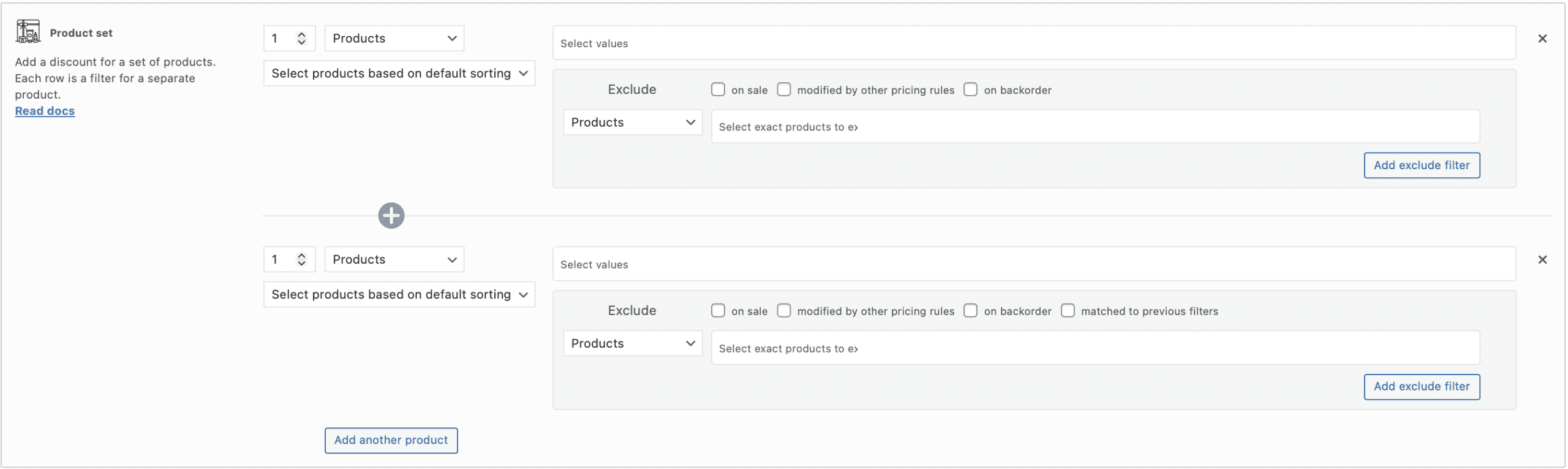
Each row is a filter for a separate product. Creating a product set using 2 or more filters, you may split a discount by each filter.
Clicking on the button “Add another product” you can add another one filter.
Let’s create the rule for the discount strategy “Buy 2 and get the 3rd for free (3=2)”:
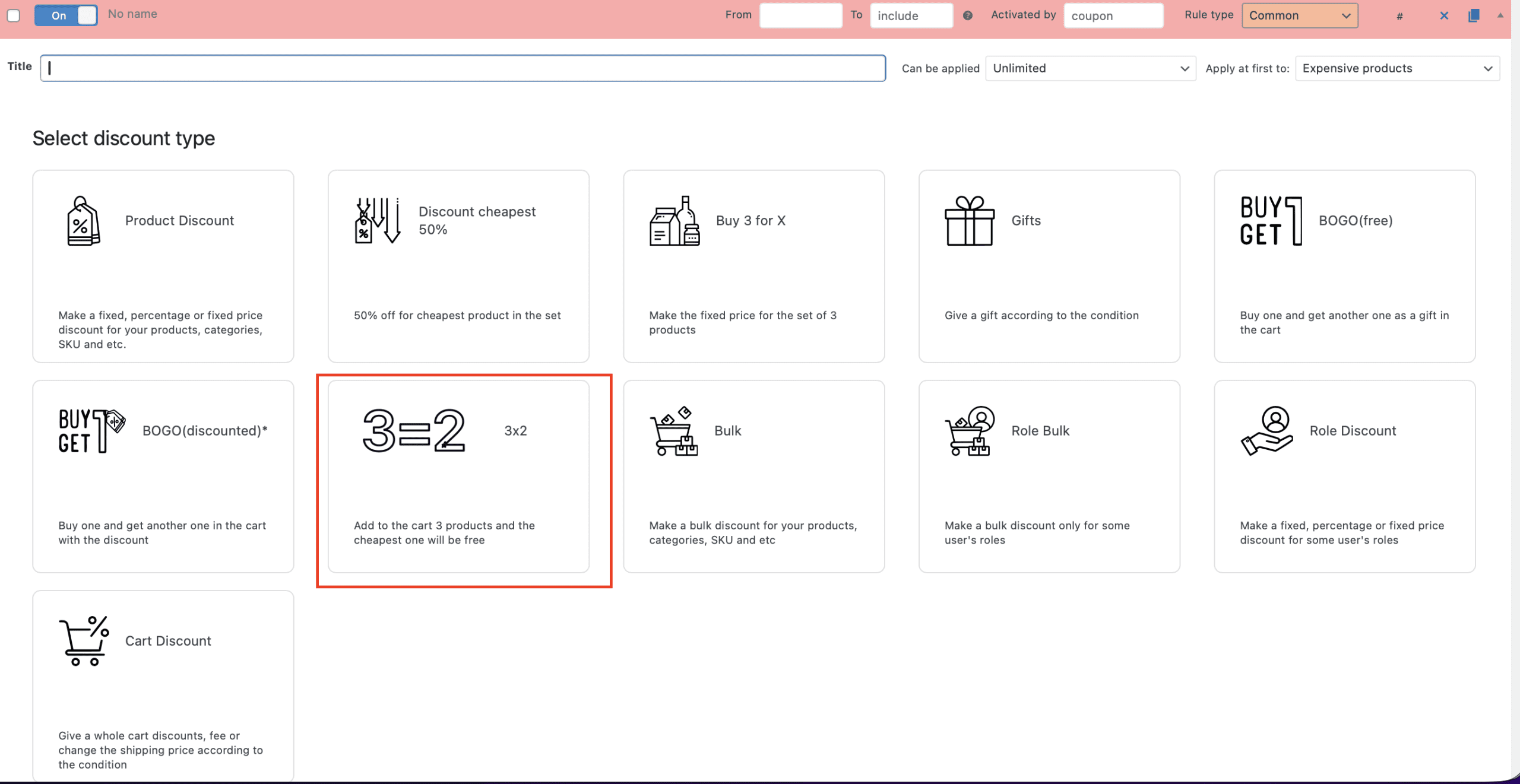
Click the “Add rule” button and choose “3=2” rule’s template:
Then you’ll see the Product set section. Just filled in the filters by the necessary products or categories:
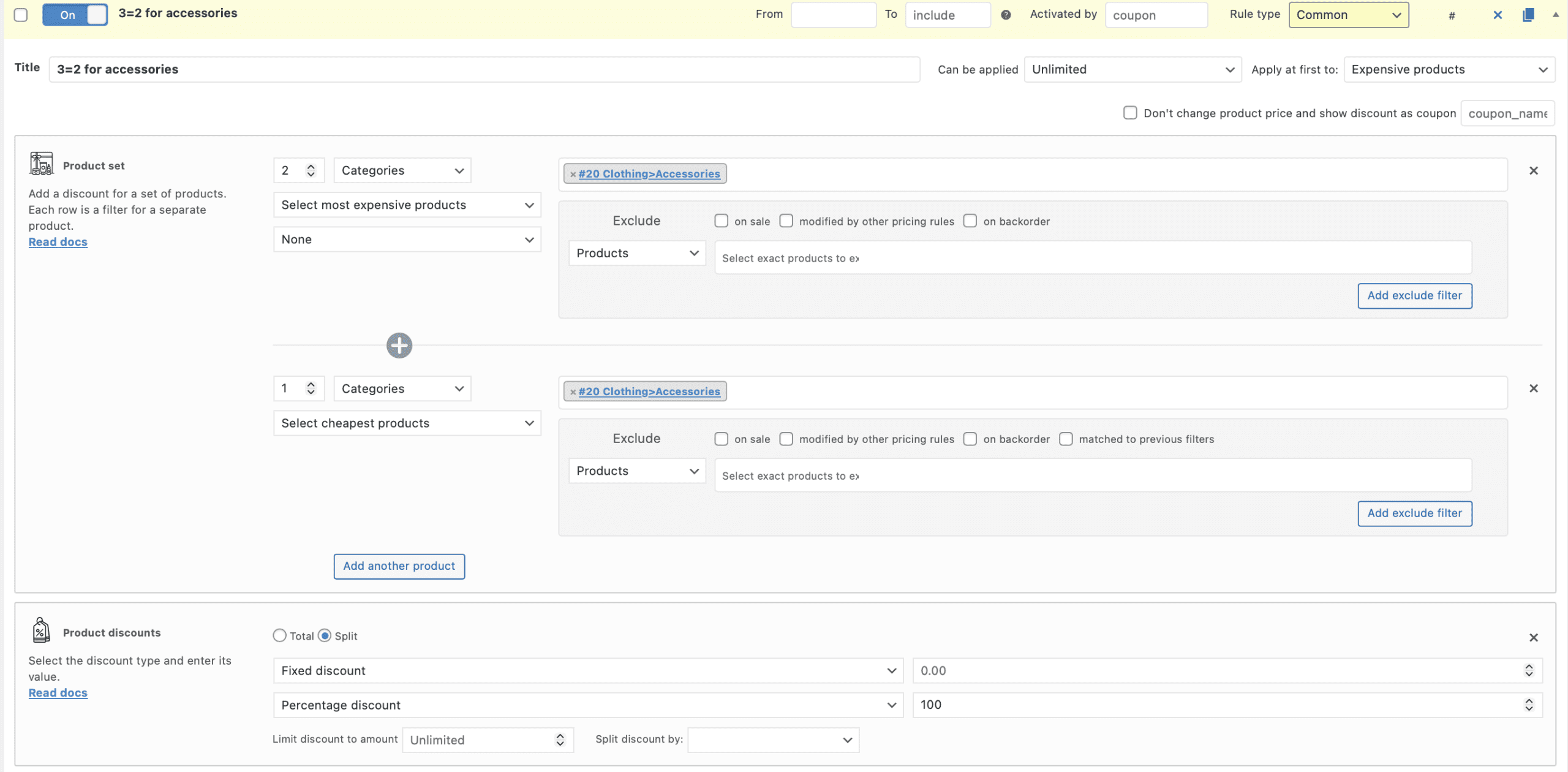
Click the “Save changes” button and put into the cart 3 different accessories.
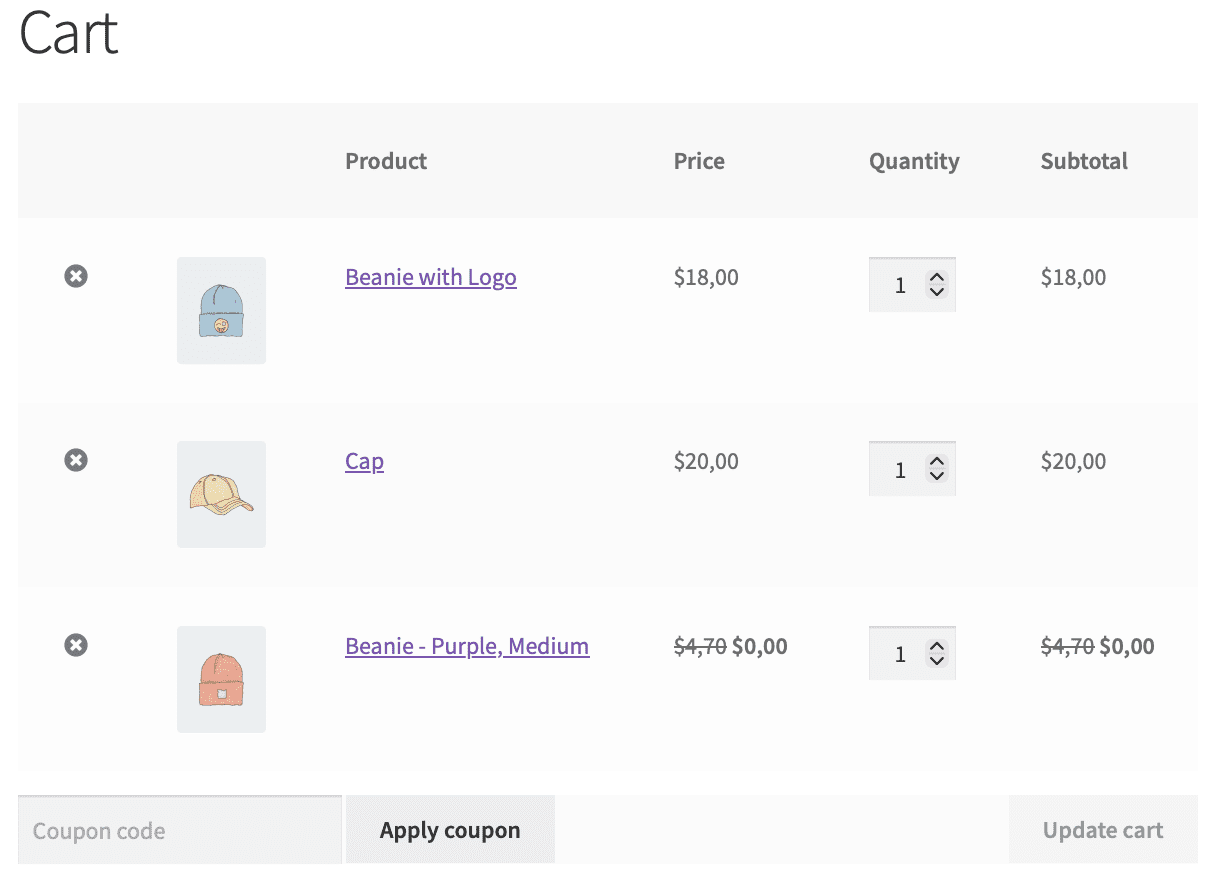
The cheapest one is for free.
Let’s add another one rule with the Product Set.
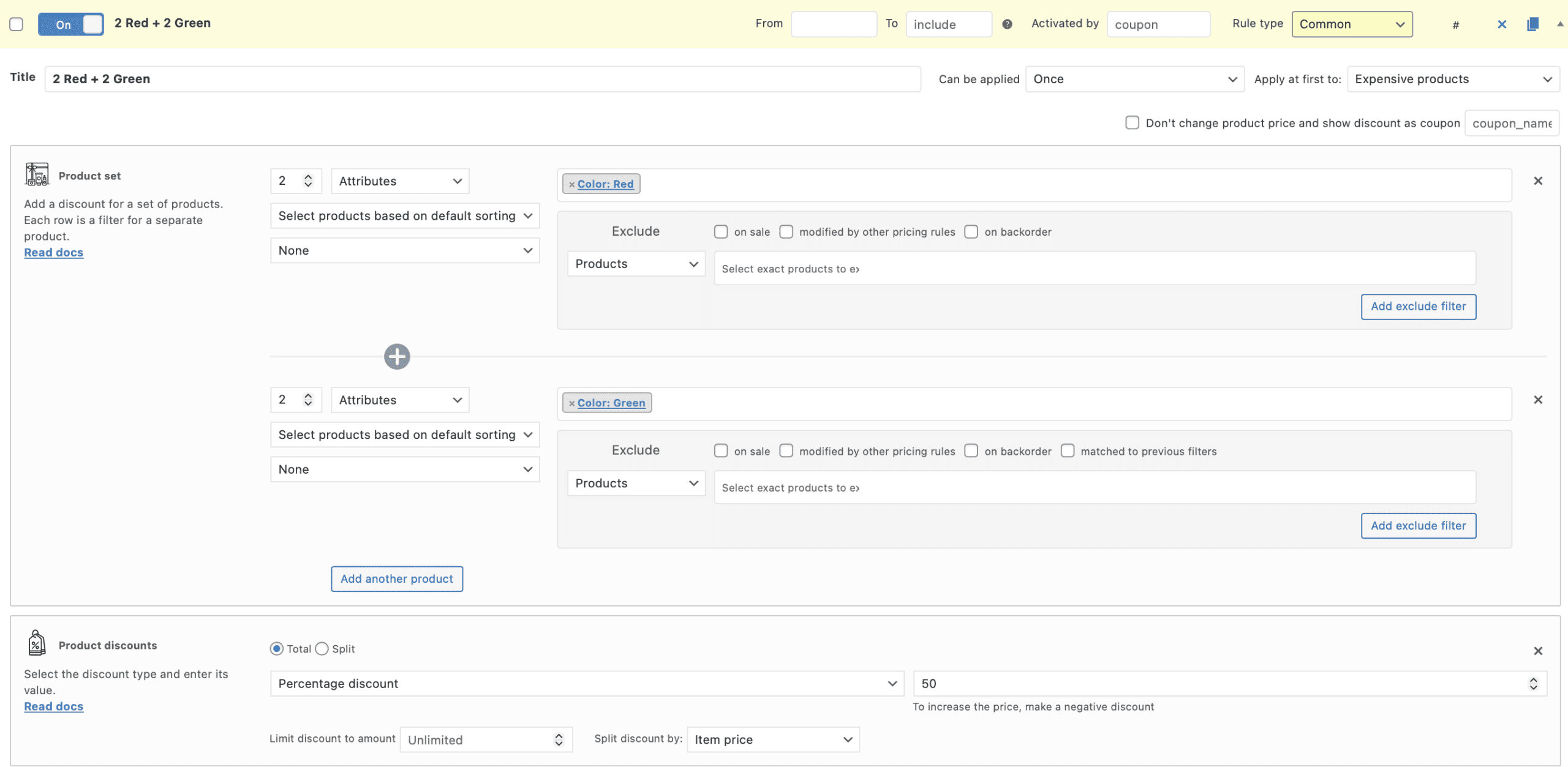
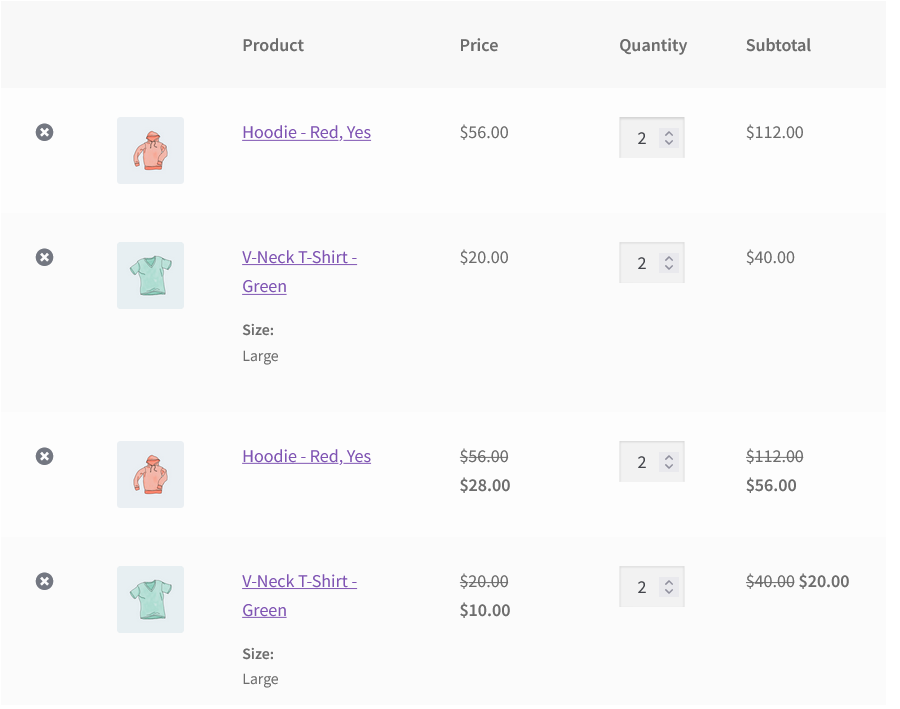
Buy 2 red and 2 green products and get a 50% discount once.
Draw your attention to the option “Can be applied: once”. It means that customer can only buy 2 red and 2 green products with 50% discount, but no more.
Look at the cart. There are 2 full bundles, but discounted only one.