Custom fields [pro]
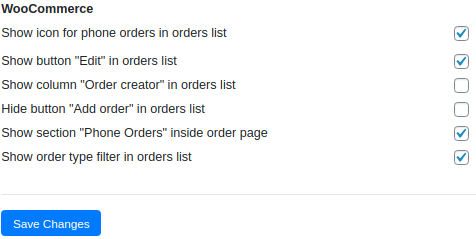
On the “Custom fields” tab, you can configure the output of custom fields in several blocks: “Find or create a customer”, “Billing details”.
Replace fields with customer order fields. This parameter allows you to save the values of custom fields in the user profile. When creating a new order, the values of custom fields will be loaded from the user ‘s profile.
For example, I specified the custom field “Gender”.
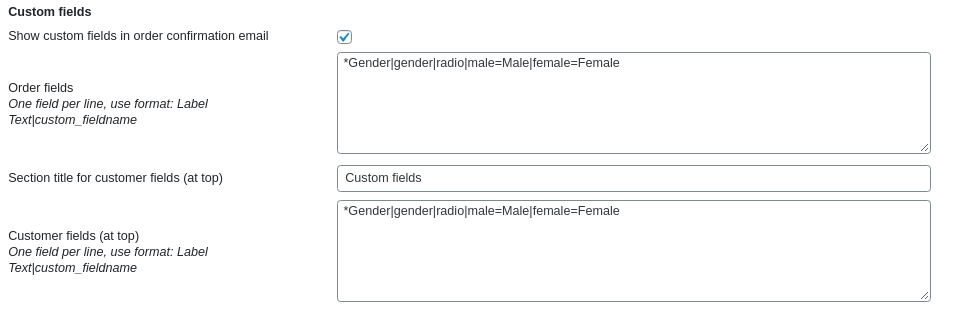
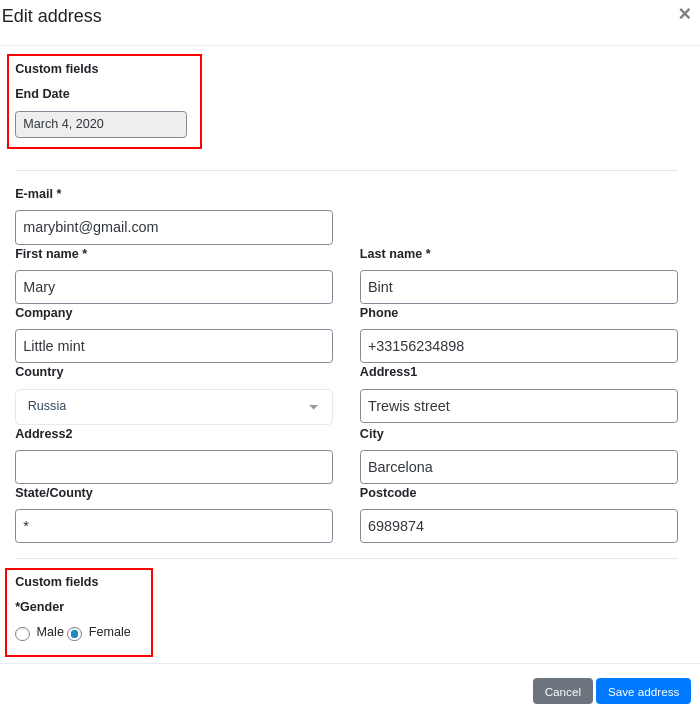
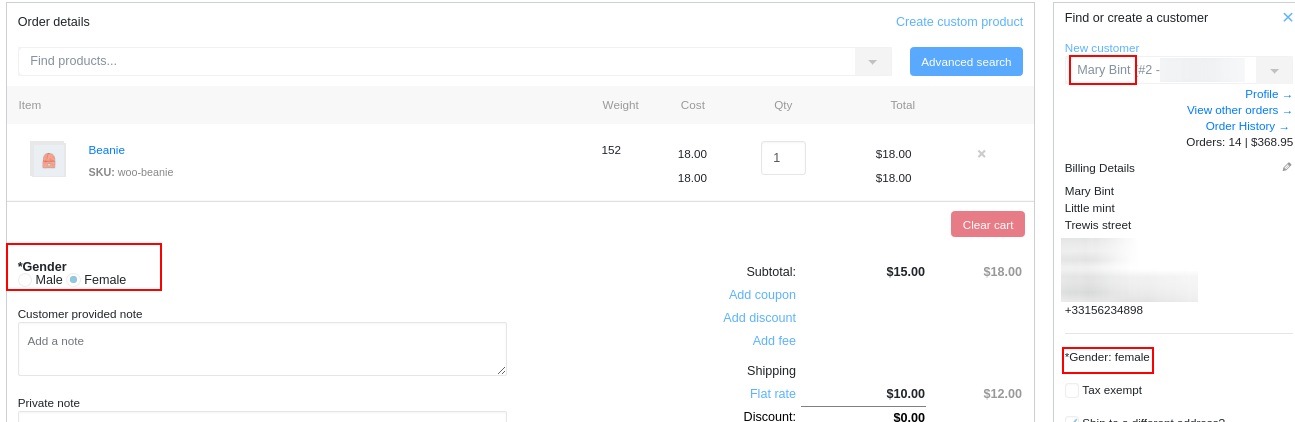
When creating an order, I selected the client and specified the value of the “Gender” – Female field and clicked the “Create order” button.
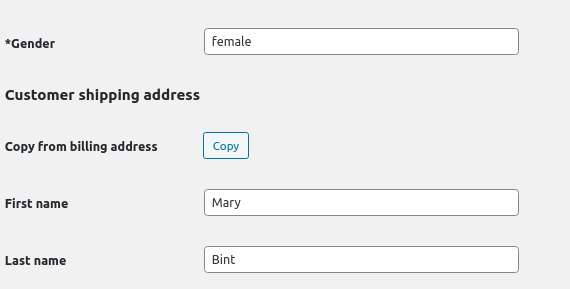
Now, go to the user profile. The value of custom field was saved.
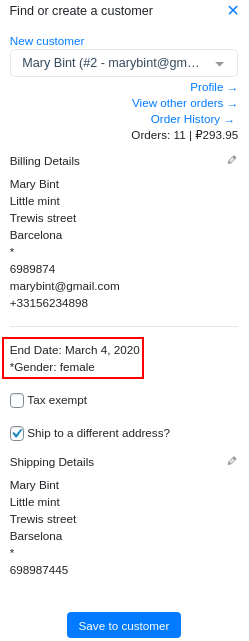
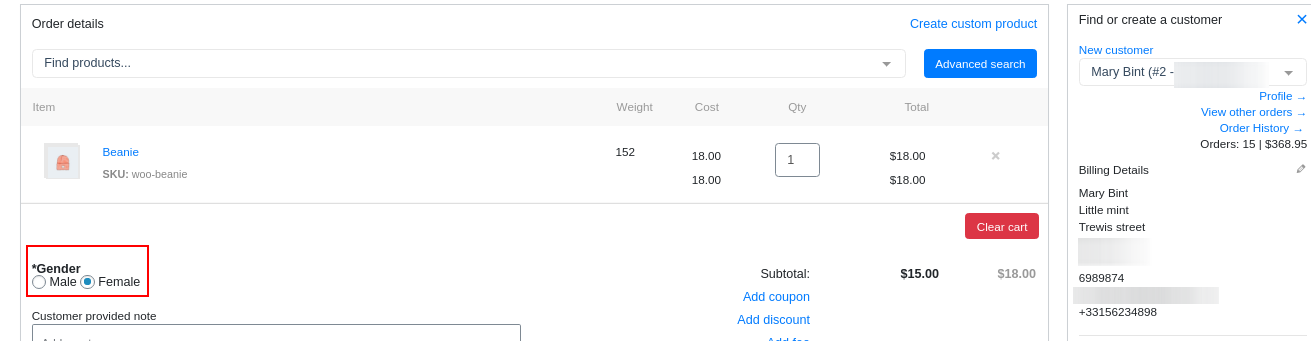
Now I will create a new order and specify the user “Mary Bint”. The value of the custom field was loaded from the user profile to the new order.
- Define custom order/customer fields at tab “Settings”
- Format is Label|field_name|type|value1|value2|value3
- Supported types : text, select, checkbox, radio, hidden, date, time
- Fill them while you adding order
- Entered information will be saved as custom fields
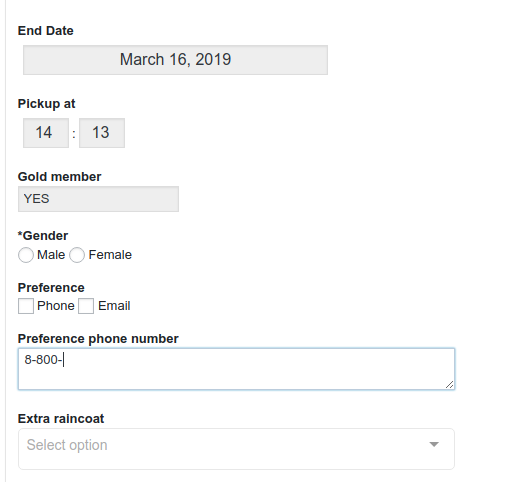
Sample
End Date|end_date|date
Pickup at|pickup_time|time
Gold member|gold_member|hidden|YES
*Gender|gender|radio|male=Male|female=Female
Preference|communication|checkbox|Phone|Email
Preference phone number|phone|text|8-800-
Extra raincoat|rain|select|Yes|No|*Unknown
These lines will generate following form (Gender is required, Extra raincoat has default value “Unknown“)